
A workplace assistant that writes, searches and works with your systems, in Arabic and on your servers
Staff can ask in Arabic or English, using formal Arabic or their own dialect. The assistant drafts emails, documents or decks, answers using your organisation's documents and cites the source. It also works with email, calendars, files and business systems using each person's permissions.
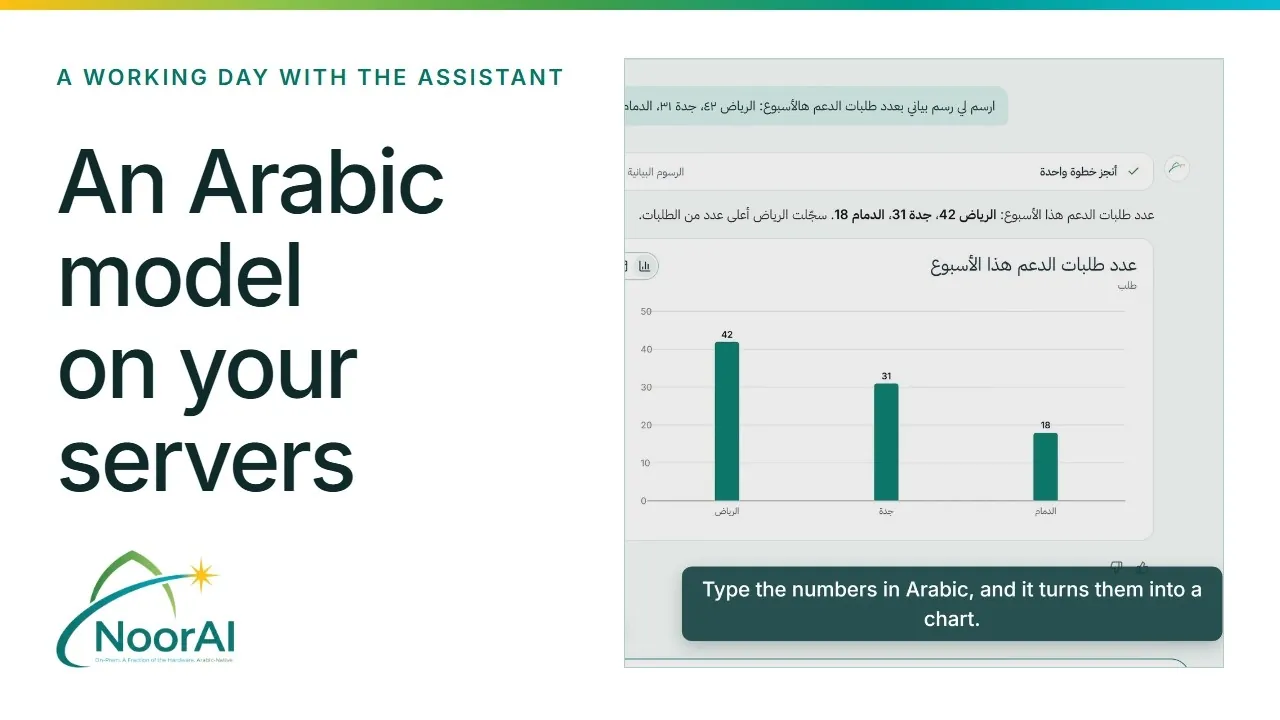
See a working day with the assistant in two and a half minutes, recorded in a demo environment.
What it offers today
| Feature | What it can do | Video |
|---|---|---|
| Summarizes the thread and prepares a reply draft in one request. | Arabic · English | |
| Calendar | Displays your day and finds an available time, booking only with your approval. | Arabic · English |
| Files | Finds a document in your files and summarizes it using your permissions. | Arabic · English |
| Organisation documents | Answers policy questions using your organisation's documents and cites the source. | Arabic · English |
| Presentations and documents | Creates a PowerPoint deck, Word document or PDF from a single request. | Arabic · English |
| Charts | Creates a chart from your numbers in the chat. | Arabic · English |
| Skills | Instructions the team can save and reuse, such as turning meeting notes into decisions and action items. | Arabic · English |
| Connectors | Works with the tools you already use through MCP, and asks for your approval before making any changes. | Arabic · English |
| ERPNext | Answers in Arabic using ERPNext data, while ERPNext controls what each person can access. | Live demo by request |
| Images | Reads an image of a receipt, invoice, table or form, then answers. Details | Arabic · English |
| Voice | Speak in your dialect, and your words are turned into text before Orchestra replies. Speech-to-text is a cloud service today. It works only when an administrator enables it. Details | Arabic · English |
| Dialects | Understands the dialect an employee writes in and replies in that dialect. | Najdi · Hijazi |
| Usage limits | An administrator sets a daily limit for each person and can see who used what. | Arabic · English |
Each clip is recorded in a demo environment using sample data, with replies shown as written by the assistant. Find them all on our YouTube channel.
How it works in your network
Within your network: in your data centre or a private cloud in your country
Controls in the administrator's hands
- Each person's own permissions: the assistant accesses email, files and systems with the permissions of the person asking, not through a shared account.
- Approval before any change: the assistant waits for the person's approval before sending, booking or changing data in any system.
- Rules for each connector and tool: the administrator sets which connectors the team can use, and which actions require approval or remain disabled.
- Your internal systems: the assistant connects to an address inside your network only if the administrator permits that address.
- Usage limits: a daily limit for each person, with a view showing who used what.
- An audit log for administrative actions, and admin pages available in Arabic and English.
Connectors
The assistant connects to tools using the Model Context Protocol (MCP), an open standard for connecting AI to tools. Available today are Google Workspace (email, calendar and files), ERPNext and GitHub, as well as any service or internal system that provides an MCP server. Microsoft 365 has a connector through Microsoft's own Work IQ server. It requires Microsoft 365 Copilot licences, and we check that it works in your tenant during Discover.
Your other tools can use it as well
The assistant also acts as an MCP server. With a key controlled by the administrator, your other tools can search the knowledge library, ask the assistant questions, and read the files it created. Actions that require approval are rejected if they come from outside the assistant.
Where it runs
The assistant runs with Orchestra on your servers, either in your data centre or in a private cloud in your country. It can be isolated from the internet when needed. To get started, you can run it with Orchestra hosted by NoorAI in Saudi Arabia, then move it inside your network. See the Orchestra page, pricing and the security page.
Frequently asked questions
Does any data leave our network?
The model runs on your servers, so no prompt is sent to a foreign model. Only two things are your choice: voice transcription, a cloud service that works only when an administrator enables it, and the cloud tools you choose to connect.
Which languages does it support?
It supports Arabic and English, and understands formal Arabic and the Gulf dialects, including Najdi and Hijazi, as well as Egyptian and Levantine. It replies in the language of the question. The interface is available in Arabic and English.
Can it edit data in our systems?
It can do so only with the person's approval, within their permissions, and for actions the administrator permits. The administrator can disable any action that changes data.
Does it integrate with Microsoft 365?
We have a connector through Microsoft's own Work IQ server. It requires a Microsoft 365 Copilot licence for each user. We test it in your tenant during Discover, before any commitment.
Can we test it on our own documents?
Yes. We can demonstrate it using your own documents and systems before you decide. Request a demo.
Written by Orchestra