
Watch: a working day with Orchestra
We write a lot about Orchestra: where it runs, how much infrastructure it needs, how it respects permissions. It is easier to watch it work. We filmed an ordinary day for an employee working with it, in two and a half minutes.
What you will see
Sara is a demo user in a demo environment, with sample documents. Every reply appears as the model wrote it, unedited.
- A team message in Najdi: Sara asks for a short note to her colleagues, and the assistant writes it in the dialect they speak.
- A reply to a customer in Hijazi, then a formal email in Modern Standard Arabic: the same request in two tones, because what suits a customer does not suit an official letter.
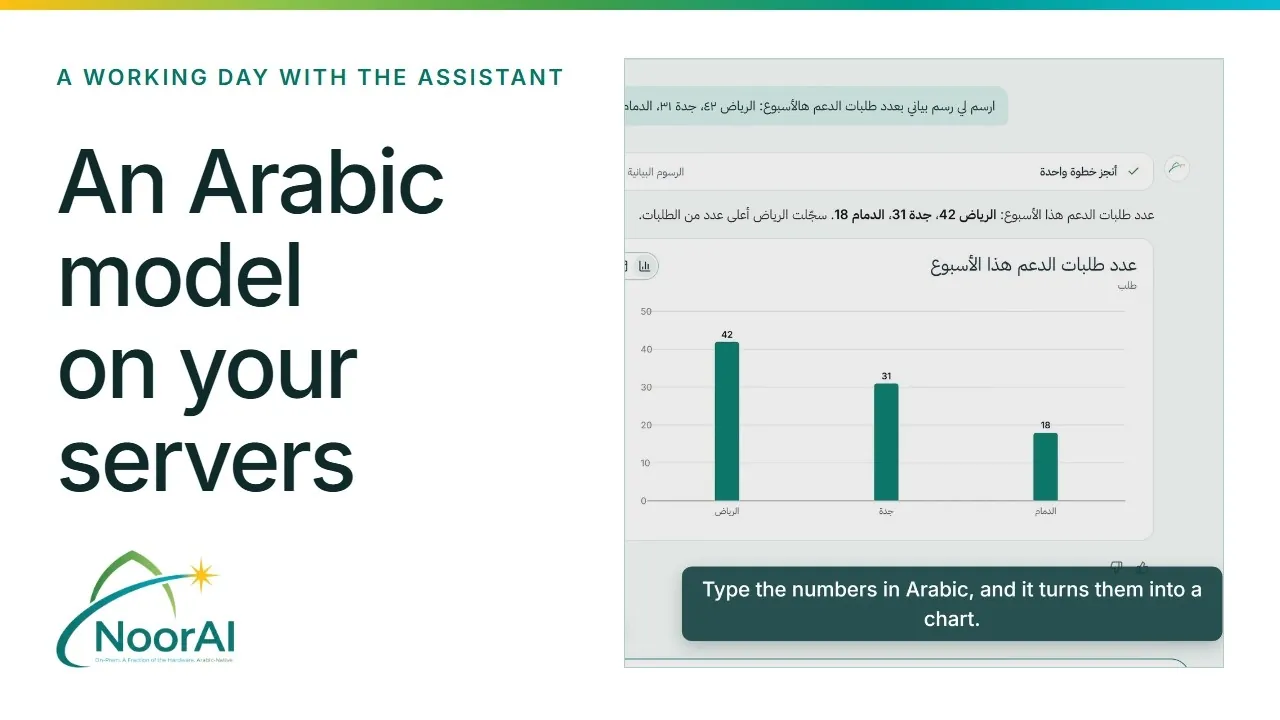
- From numbers to a chart: Sara types figures into a message, and the assistant returns a finished chart.
- A full deck in Arabic: slides laid out right to left, ready to open and edit.
- An answer from company documents: a question about the travel policy, and the answer names the document it came from.
Why it matters that this runs on your servers
With a model hosted outside your organisation, nobody knows in advance how many tokens you will use in a year, and a decision taken in another country can switch the service off. Orchestra runs inside your network on a fixed annual licence, so there is no meter that grows with use, and your data does not leave the organisation.
Orchestra has 14B parameters, with only 4B active per token. So it serves the same number of chats on a fraction of the hardware that larger open models need. The infrastructure figures in the film are NoorAI planning estimates for 500 chats at the same moment; we show how we worked them out in our sizing post.
Shorter clips
On our YouTube channel there are short episodes of the "Orchestra in numbers" series: the two ways to buy, the infrastructure, and connecting your tools over MCP, in Arabic and English.
Want to see Orchestra work on your own documents? Book a 30-minute call with one of our engineers
Each feature in 20 seconds
And in "The assistant at work" series there is one short clip per feature, with the real request and the reply as the assistant wrote it:
- Email: a summary and a draft reply in one request
- Calendar: your day, and a meeting booked on approval
- Files: find a document and sum it up
- Company documents: answers with the source
- A slide deck from one request
- A chart from your numbers, in the chat
- Skills: meeting notes to decisions and action items
- Usage limits: the admin is in control
Common questions
Were the replies in the film edited?
No. The replies are shown as the model wrote them. The environment is a demo and the documents are samples.
Can we try it on our own documents?
Yes. We set up a demo on a sample of your documents, so you see answers on what your team actually writes.